Overview
The page you land on. It is a summary of the features your community has on, with nothing of its own behind it: every card links to the page that owns the detail.
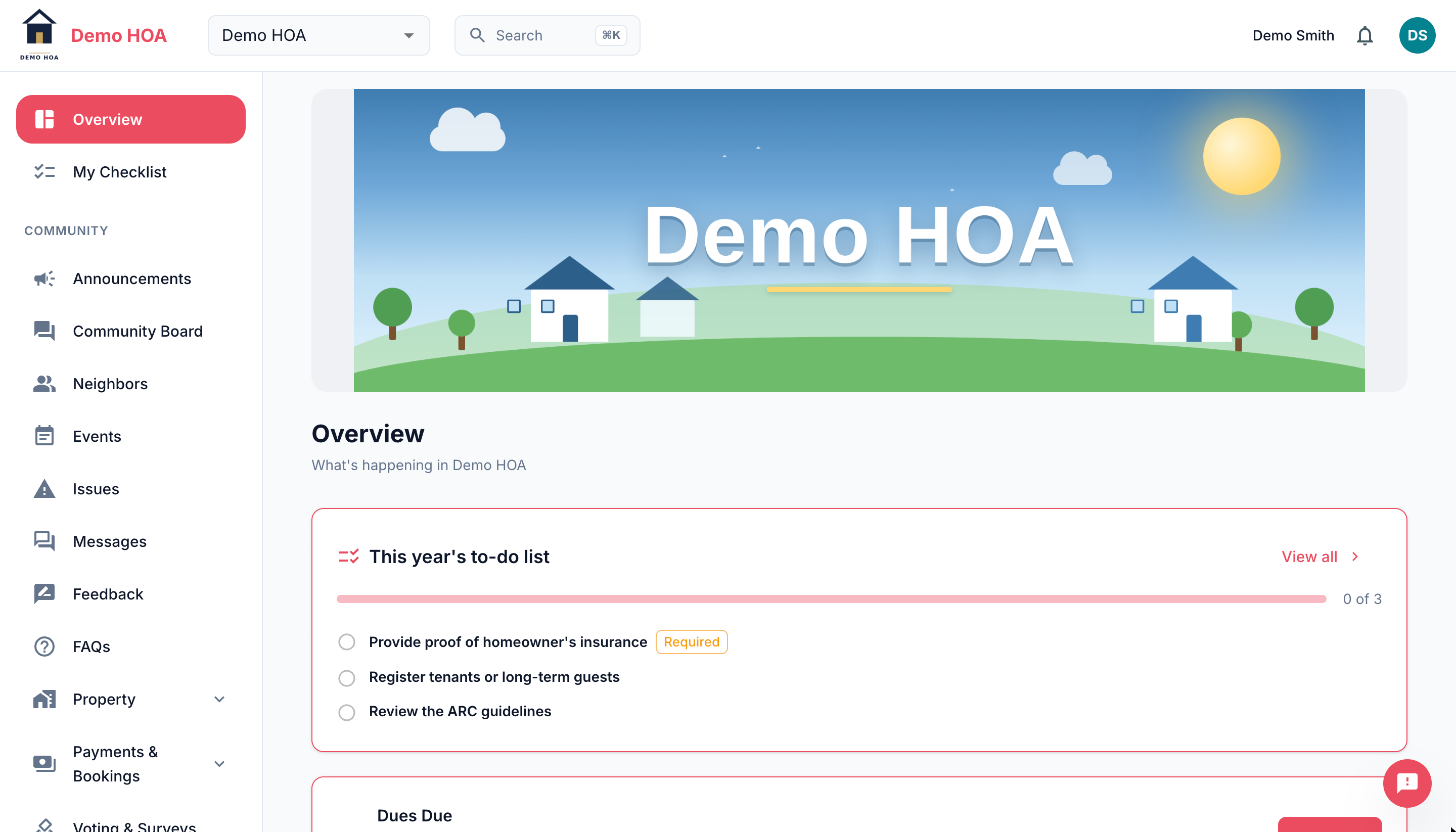 The banner, the checklist card, and the start of the dues card below it.
Depending on what is enabled you will see:
- Your banner, if your community set a header image.
- Your checklist, while anything on it is outstanding. It vanishes when you are done and comes back when something changes.
- Open issues you reported, with their current status.
- Dues, when payments are on: what is owed and whether autopay is active.
- Recent announcements, newest first, scrollable.
- Upcoming events, with your RSVP if you gave one.
- ARC requests you have submitted and their review state.
- Open ballots, when voting is on.
An empty card is not a problem. It means nothing is outstanding in that category.