Issues
Issues are how you tell your community that something needs attention: a broken gate, a streetlight out, a leak. Every community has them; this is the one feature that cannot be switched off.
Reporting one
Issues > New issue. You provide:
- Category, from the list your community configured. Pick the closest one; categories are what your board's reporting breaks down by.
- Location, in words. Where the problem is, not where you are.
- Description, optional but worth writing.
- Your name, email and phone, prefilled from your account so whoever picks it up can reach you.
- Photos, optional. A photo usually settles a question that three comments would not.
Submitted issues get a ticket number. Use it when you talk to anyone about the issue.
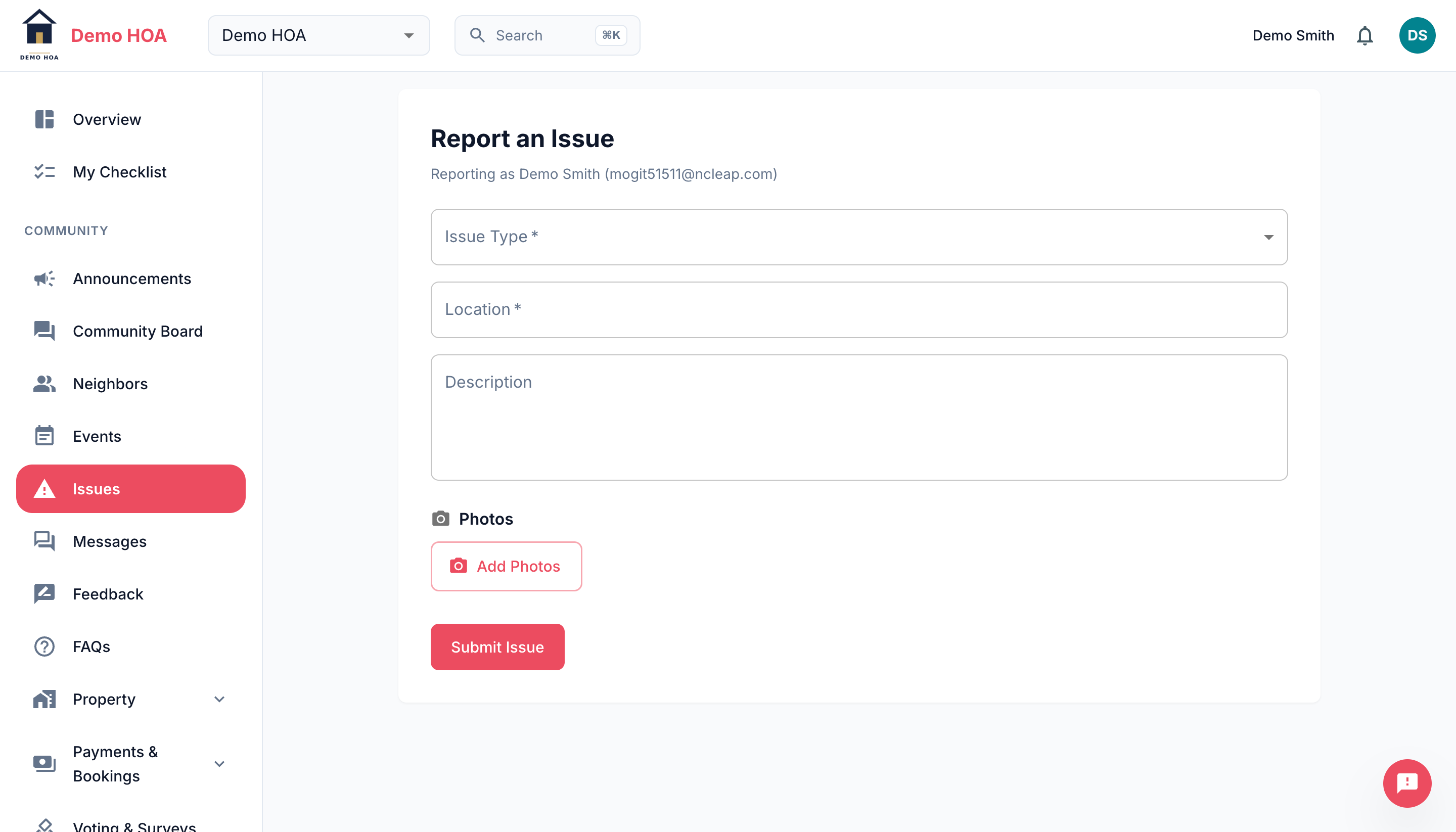 Issue type comes from the categories your community configured.
Following it
An issue moves through four states:
| Status | Meaning |
|---|---|
| Open | Received, not yet being worked |
| In Progress | Someone has picked it up |
| Resolved | The work is done |
| Closed | Finished and filed, or closed without work |
You can comment on your own issues, and so can staff. Comments carry the author's name, so a conversation about one problem stays in one place instead of splitting across email.
You get a notification when the status changes or someone comments, unless you turned those off in notification preferences.
Linked issues
Admins can link issues to each other, with one as the parent. That happens when five people report the same broken gate: the reports stay separate so everyone keeps their own thread, but the work is tracked once.
Who sees your issue
Community admins and the staff or contractors it gets assigned to. It is not posted publicly and it does not appear on the community board.