My Household
What you have declared about your home. Every entry here is a real record your community can see, and several checklist items complete themselves from it.
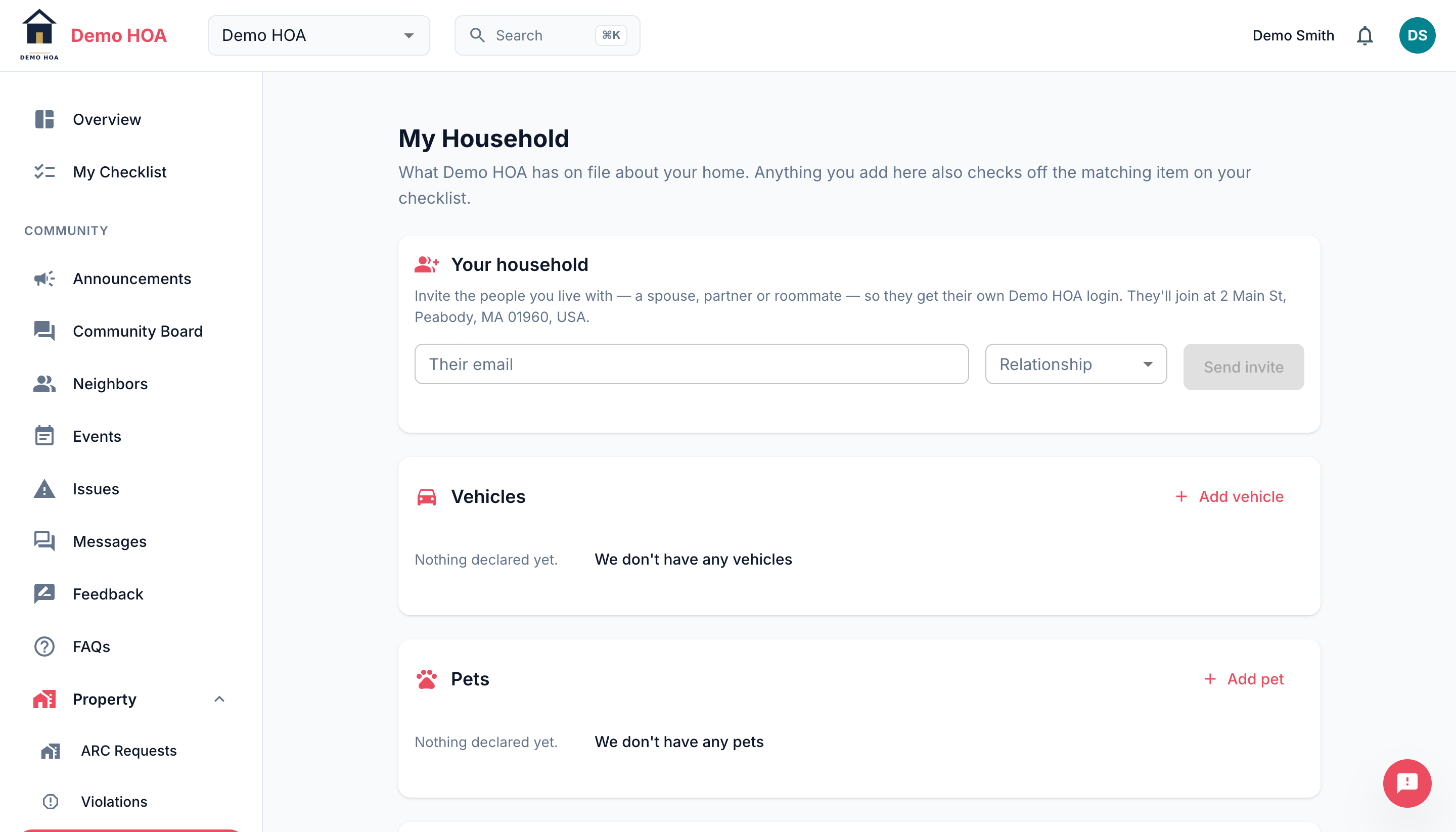 The household invite box takes the address from your account, not from the form.
Vehicles
Make, model, colour, plate and state. Communities ask so that towing, enforcement and guest parking have something to check against.
Pets
Type, name, breed and notes. Communities ask because of pet limits, breed rules and pet fees.
"I do not have any"
Both vehicles and pets have an explicit none declaration. Use it. It is how your community tells "this household has no pets" apart from "this household has not answered", and it is what completes the checklist item.
Tenants
Where you rent out your property, or where you are the tenant, the people living there are listed as tenant entries: name, email, phone, move-in date and lease end date.
If your community screens tenants
Some communities require a background check. Then a tenant entry also carries:
- Full legal name as it appears on ID, which is what the check runs on.
- Date of birth.
- Previous address, collected instead of a Social Security number. CivicPort deliberately never asks for one: criminal, eviction and registry searches run on name plus date of birth plus jurisdiction, and a former address is what tells the vendor which jurisdictions to search.
- Consent, confirming the tenant agreed to be screened.
How that data is handled:
- It is masked in the admin console. Admins see that a date of birth is on file, not what it is.
- Revealing one is a logged event, one tenant at a time, recorded in an append-only audit trail with who looked and when.
- It is deleted once the check is decided, and the record shows it was held and then dropped rather than never given.
- CivicPort never runs the check. Your community's vendor emails its own form; anything genuinely sensitive goes to the vendor, not through here.
Screening status is pending, cleared, failed or waived. Waived is the community deciding this one does not need a check.
Leases
If your community sends leases for signature, yours appears here with a signing link while it is outstanding and a download link once complete. Several people can be on one lease, and co-tenants sign in parallel rather than in a queue. The community countersigns after the residents have signed.
You may also see the rent and any lease fees, such as a pet deposit or pet rent.
Inviting the people you live with
Invite your spouse, roommate or adult child so they get their own login. They join at your address, taken from your account rather than from anything you type, so you cannot invite someone into a different home by accident.
There is a cap on how many invitations you can send in a rolling window, and the page shows how many you have left. Communities can switch household invitations off entirely.