Events
Your community's calendar: meetings, socials, maintenance windows, anything with a date.
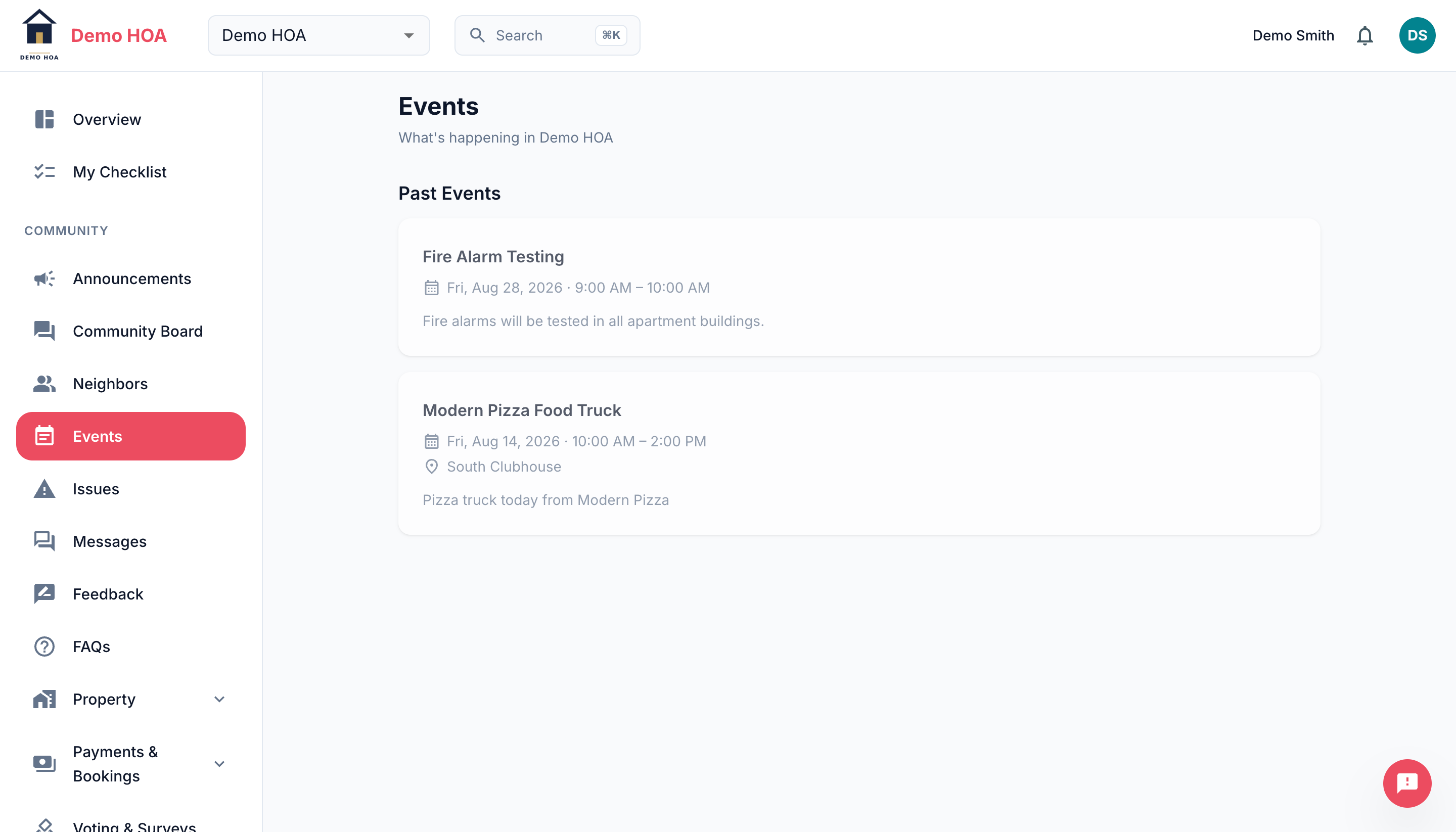 Past events stay readable, which is what makes the calendar a record and not just a notice.
RSVPs
Not every event takes responses. A calendar carries invitations and notices alike, and only the first kind is answerable, so admins turn RSVPs on per event.
Where they are on, answer going, maybe or not going. You can change or withdraw your answer at any time.
Everyone sees the headcount. Nobody but an admin sees the guest list, so the numbers are public and the names are not.
Waitlists
An event can cap attendance. Once the cap is reached, answering going puts you on the waitlist with a position rather than turning you away. If someone withdraws you are still on the list, in order.
Your own answer always tells you whether you are in or waitlisted.
Repeating events
A repeating event (daily, weekly, every two weeks, monthly) is created as a real series with an end date. Occurrences keep your community's wall clock time, so a 6pm meeting stays at 6pm across a daylight saving change rather than drifting to 5pm or 7pm.
Admins editing a repeating event choose whether the change touches one occurrence or the whole series.
Events held in a community space
An event can be held in one of your community's rentable spaces rather than at a typed address. When it is, the space is actually held for that time: it stops showing as available to book.
If the space was already booked when the event was created, the event still saves, it just does not hold the space. This is more common on a repeating event where a few occurrences collide with existing bookings.
Public events
Admins can mark an event publicly visible, which puts it on the community's public website and on the lobby screen. Everything else stays inside.