Sending app feedback
The round button in the bottom-right corner of every page opens Send App Feedback. It goes to CivicPort, the company that makes the software.
This is not the same as Feedback
The names are nearly identical and the distinction matters:
| Goes to | Use for | |
|---|---|---|
| Send App Feedback, the floating button | CivicPort | The software: a bug, a confusing screen, a feature you want |
| Feedback, in the sidebar | Your board or property manager | Your community: the pool, the landscaping, a rule |
Your board never sees what you send through the floating button, and CivicPort never sees what you send through the sidebar. A complaint about your community sent through the app button reaches people who cannot act on it.
What the dialog asks
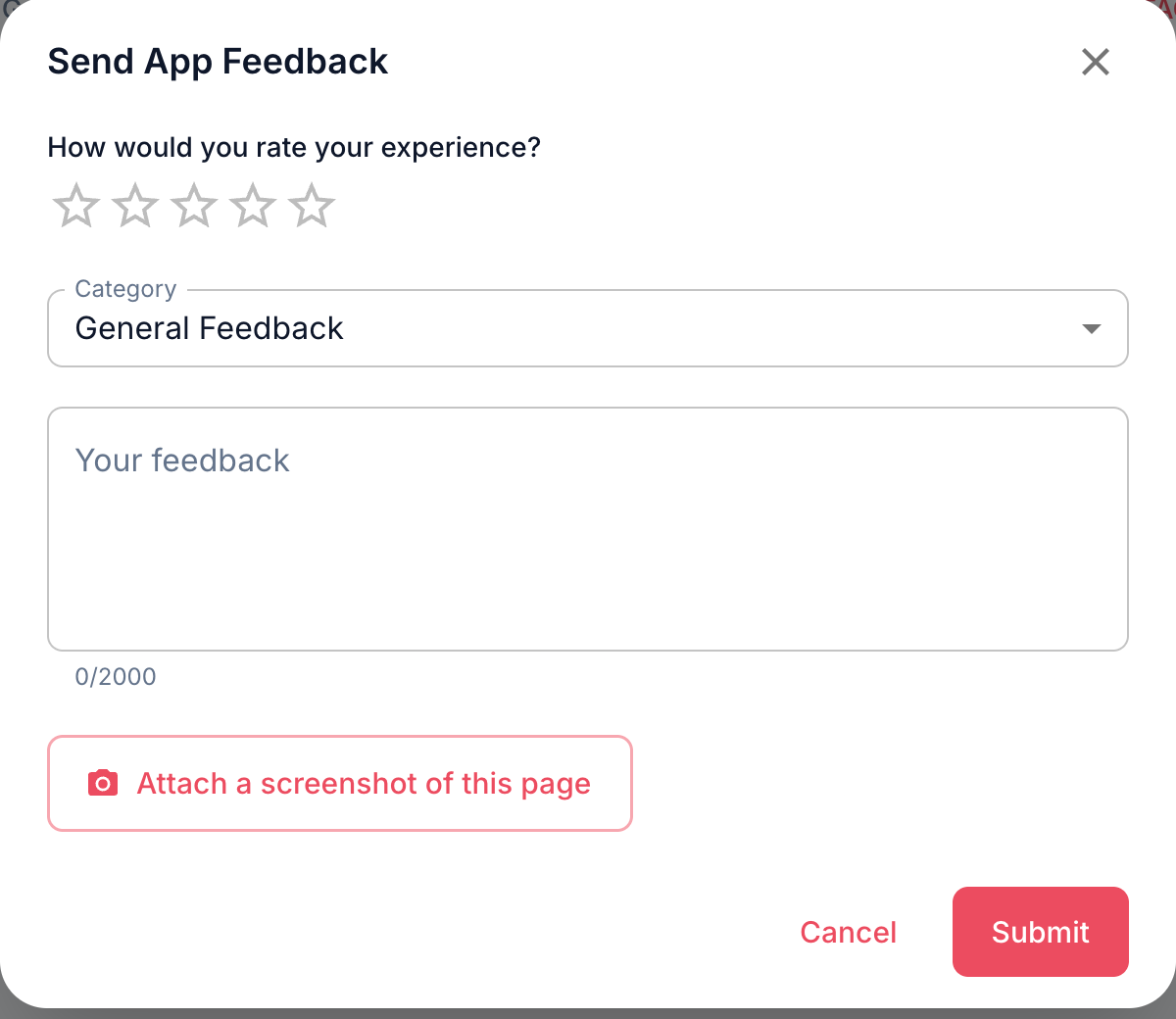 A rating, a category, up to 2000 characters, and an optional screenshot.
- A star rating, one to five.
- A category: General Feedback, Bug Report, Feature Request or Usability.
- Your feedback, up to 2000 characters.
- An optional screenshot of the page you are on, captured in the browser when you press the button. The dialog hides itself for a moment while it captures what is behind it.
What it sends
Along with what you typed, the submission carries the page you were on and which community you had selected. That is what makes a bug report actionable: "the save button does nothing" is much easier to chase when it arrives tagged with the screen it happened on.
It captures the visible part of the page, not the whole scrollable length.
Think before attaching a screenshot from a page showing other people's personal details, since the image goes to CivicPort as you saw it.
Where it does not appear
The button is hidden for anyone not signed in, and on the signage display, where a floating button on a lobby TV would be both useless and permanently visible.