Templates
Six templates. They differ in layout and typography, not in capability: every template can show every section, so switching later does not cost you content.
| Template | How the picker describes it |
|---|---|
| Classic | Traditional and formal, with serif headings and a header band |
| Modern | A full-width photo hero with bold headings. The default |
| Minimal | Quiet and compact, focused on the essentials |
| Estate | Serif and stately on warm cream. Reads like a leasing brochure |
| Foundry | Crisp and confident, with bold type and a deep footer |
| Porchlight | Warm and neighborly, with rounded corners and editorial type |
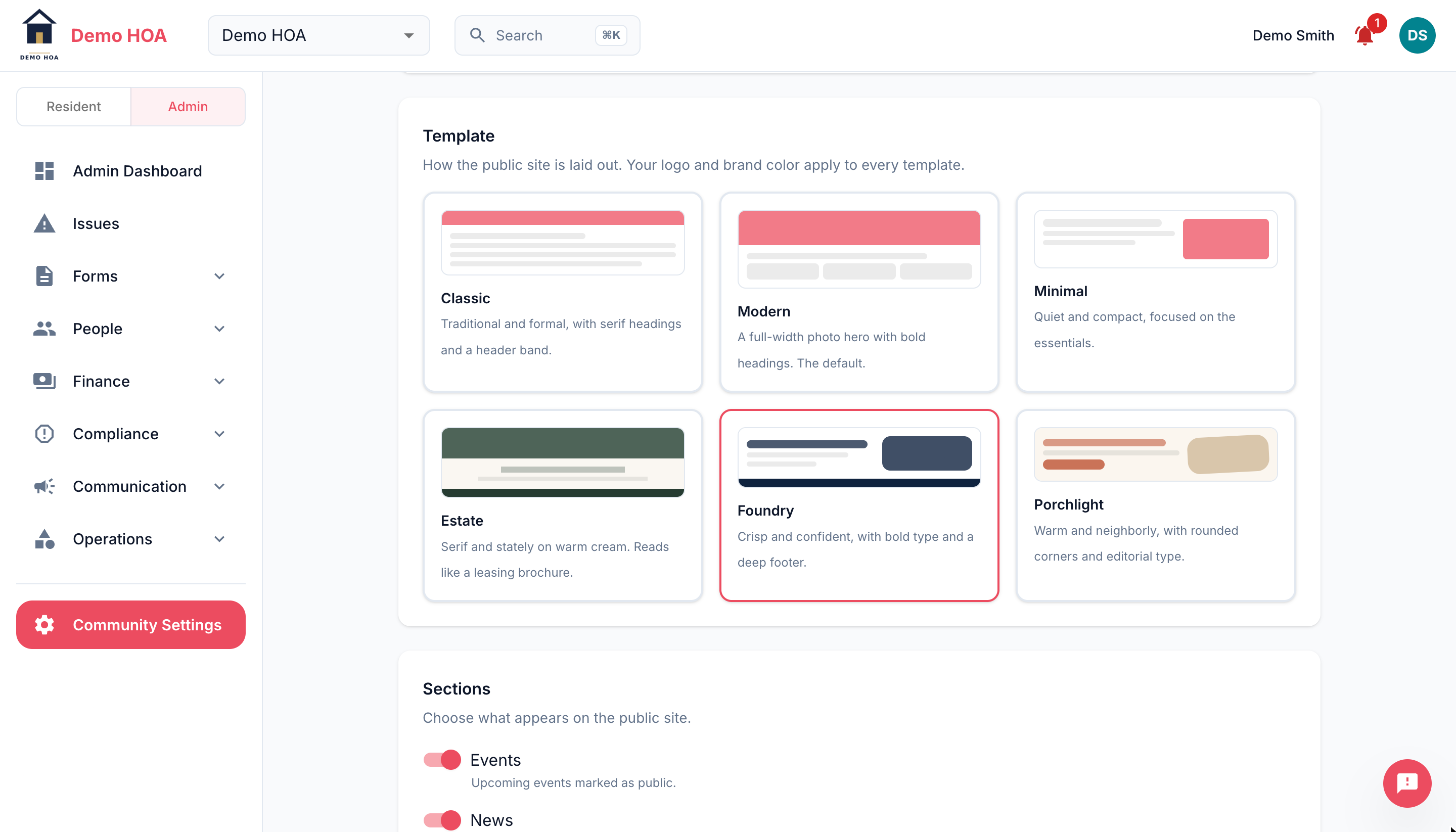 Each template previews its own layout. Your logo and brand colour apply to all six.
Choosing
Choose on the photography you actually have. Estate and Modern lean on large images and look thin without them; Minimal and Classic read well with almost none.
Switch templates any time. It is a presentation change, not a migration.