The public website
A community website anyone can read: what the community is, what is happening, what the rules are, what is for rent. Requires the Public Site entitlement, and is configured from Community Settings > Public Site.
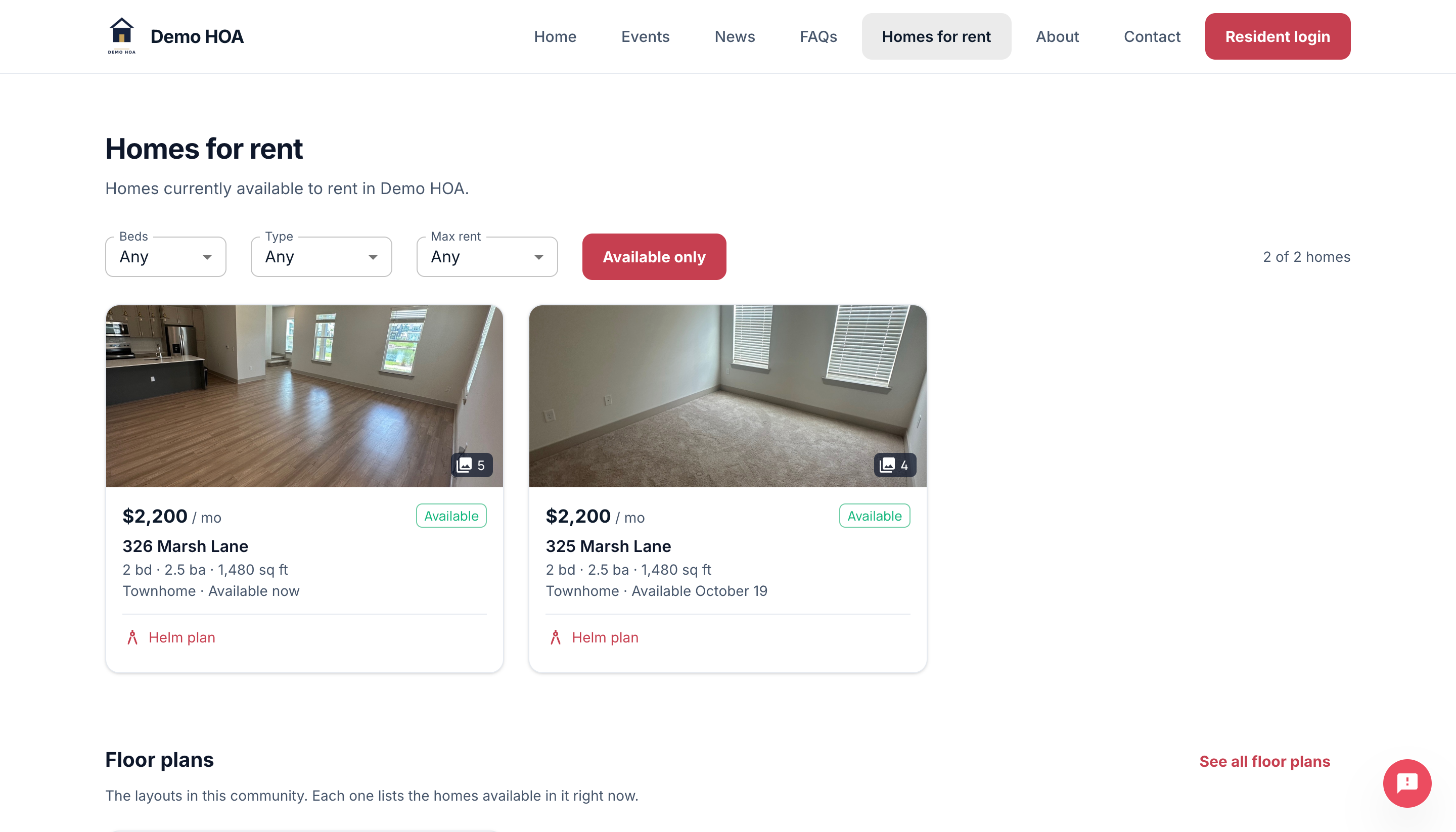 The foundry template. The nav carries only the sections this community switched on.
Who it is for
Prospective residents and buyers, title companies, contractors, and the neighbourhood. People who need a real answer about your community and do not have an account.
Two modes
| Mode | The site is |
|---|---|
| Full | A community website, with homes for rent as one of its pages |
| Listings only | The rentals page itself, and nothing else |
Listings-only exists for a community that already has a website and only needs somewhere to point at for rentals.
Opt-in twice
Publishing the site does not publish your content. Every announcement, event, document, FAQ, listing and floor plan carries its own publicly visible flag, and nothing is published without both.
This is deliberate. A community's internal notices, gate codes and enforcement records should not become public because somebody switched a site on.
Sections
Events, announcements, documents, FAQs, listings, photos, about, contact, a join call to action, and open RFPs. Each is toggled independently.
The RFPs section advertises your open solicitations, with reading and bidding happening on the RFP Portal, which owns contractor accounts and proposals.
Where it is served
| Option | Address |
|---|---|
| Community subdomain | yourcommunity.civicport.io, from your branding slug |
| A domain bought through CivicPort | Whatever you registered |
| A domain you already own | Connected by DNS records |
See custom domains.
Signing in from the public site
Sign-in links send visitors back to the platform domain. Sessions are scoped there, so a sign-in completed on a custom domain would produce a session the portal cannot see. This is a constraint rather than a preference.
Related
- Templates: what the six looks are.
- Sections and content: what fills each section.
- Custom domains: buying and connecting.
- Digital signage: the lobby TV version of the same content.