Joining a community
There are four ways in, and which one you were given tells you something about the community.
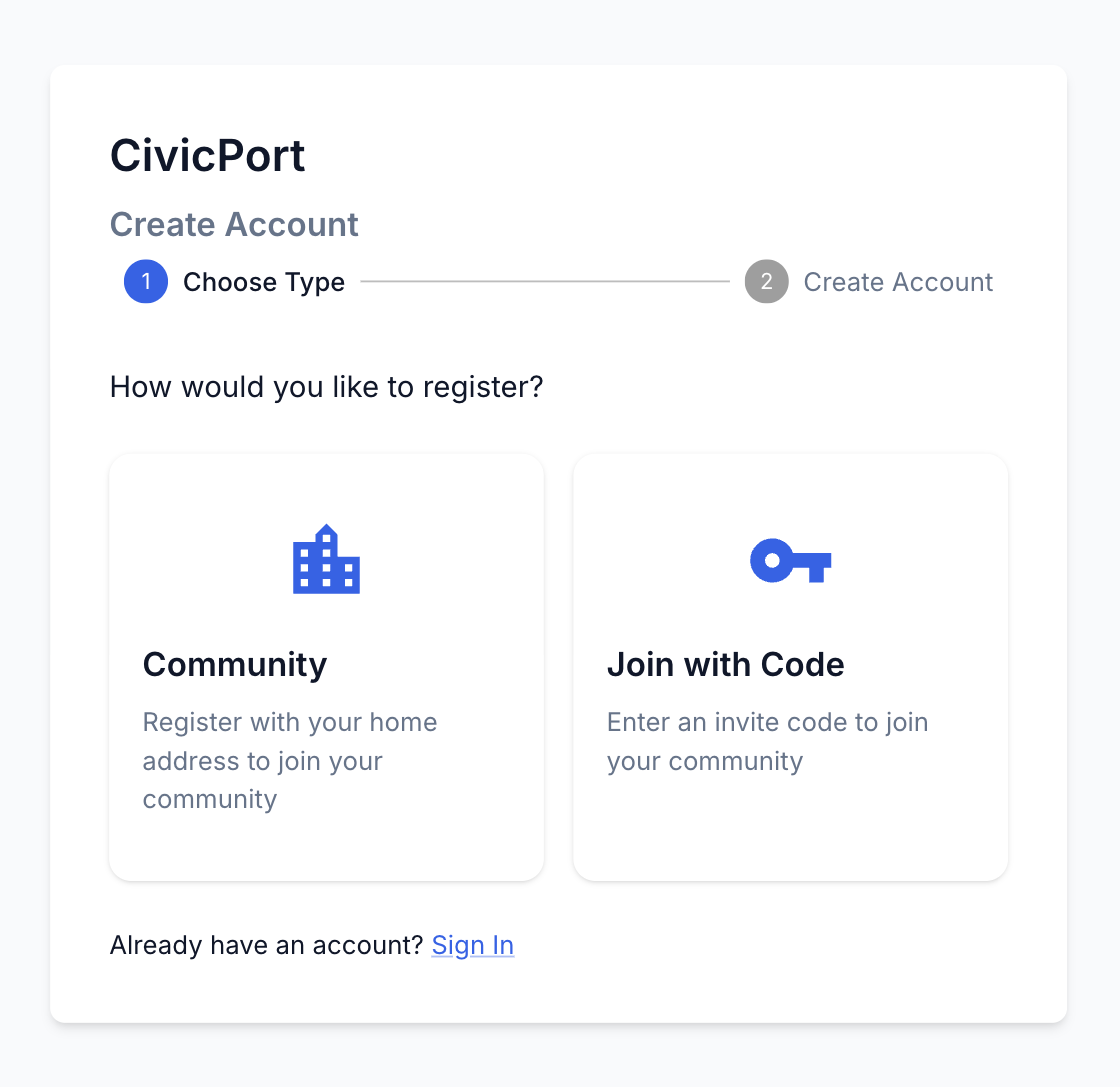 Registering by address, or with a code. An invitation link skips this screen entirely.
1. A personal invitation
An admin addressed an invitation to your email. The link carries the community and the address, and it is good once. This is the only route that can put you at a specific unit without your typing anything, so it is the one apartment communities and most HOAs use.
If the community requires an application, the invitation link opens the application first and creates your account from the same submit. That is deliberate: a stranger who just got a welcome email should not have to go find their community and build an account before anyone learns anything about them.
An invitation link you open while signed in as somebody else says which address it was for rather than calling itself invalid. Switching account is the fix.
2. A join code
A short code shared with the whole community. It identifies the community, not you, so anyone holding it can register. Good for opening a community to everybody at once; not good where who gets in matters.
3. Your street address
Register with your address and CivicPort matches it to a community covering it. This is how municipalities work, where anyone at a covered address belongs by definition.
4. A household invitation from another resident
A resident can invite the people who live with them: a spouse, a roommate, an adult child who needs their own login. The invitee joins at the inviter's address, taken from the inviter's account rather than from anything typed into the form.
Communities can switch this off. Where it is on, there is a cap on how many invitations one resident can send in a rolling window.
See My Household.
Requesting to join from a public website
A community's public website can carry a join call to action. That form is a request to be invited, not an invitation: you are asking an admin to send you one. It creates nothing on its own.
What happens after you join
If the community requires an application and yours has not been decided, you are held outside: you see the application and the checklist, and nothing else. Once an admin records a decision, everything opens at once.
Community admins are never held this way.