Accounts and signing in
Where to sign in
Sign in at civicport.io, or at your community's own address if it has one
(yourcommunity.civicport.io). Both reach the same account. The community
address shows your logo and colours on the sign-in card, which is the only
difference.
If your community publishes a website on a custom domain, the sign-in link there sends you back to the platform domain. Sessions are scoped to the platform domain, so a sign-in completed anywhere else would produce a session the app cannot see.
The sign-in flow
Enter your email first. What happens next depends on your account:
- Your account has a passkey. You are prompted for it and never see a password field.
- It does not. The password field appears.
This is why the flow is two steps rather than one. It also means you do not retype your email every visit.
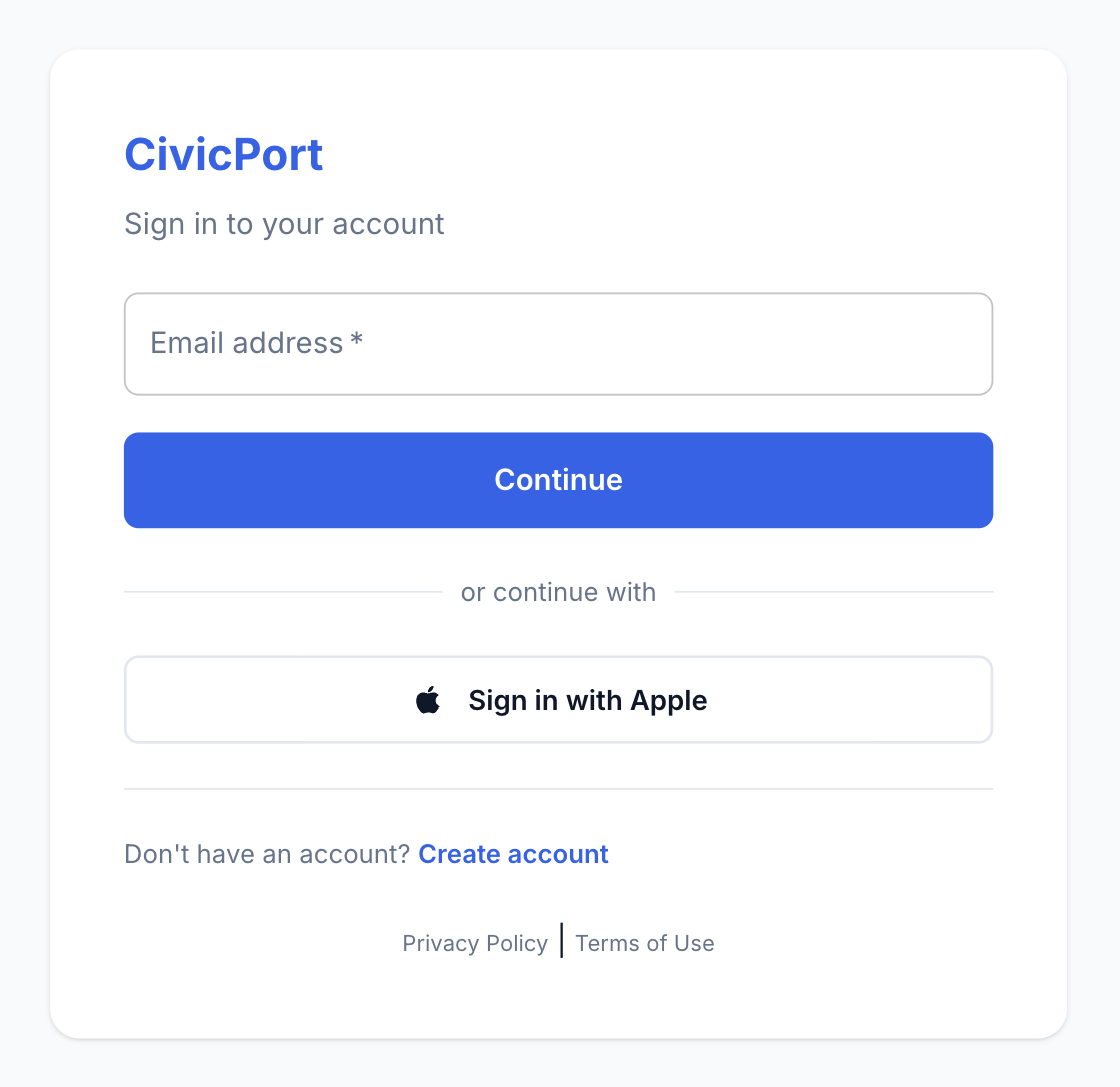 The first step asks for an email and nothing else. What comes next depends on your account.
Passkeys
A passkey is Face ID, Touch ID, Windows Hello or a hardware key standing in for your password. It is the strongest option available here and the fastest one on a phone. Register one from your profile.
Two things worth knowing:
- A passkey is tied to the device or password manager that created it. Register one on each device you use, or use a password manager that syncs them.
- If an account has a passkey that can no longer be used (the device is gone, the key was deleted), CivicPort says so rather than silently falling back. Reset your password to get back in, then register a new passkey.
Google and Apple sign-in
You can register and sign in with Google or Apple instead of a password. The address on the social account is the address your CivicPort account uses, so sign in with the same provider every time: signing in with Google using an address that already has a password account does not merge the two.
Social accounts have no password to change, and the change-password screen says so rather than offering a field that cannot work.
Forgot password
Forgot password emails a reset link. It works only for accounts that have a
password; if you registered with Google or Apple, use that provider instead.
If your community created your account for you, your first sign-in may force a password change. That is the one-time temporary password being retired.
One account, several communities
An account can belong to more than one community: two properties, or a board member who also lives somewhere else. A community switcher appears in the header when you belong to more than one, and everything on screen belongs to the community currently selected.
Your default community is remembered between visits.
Viewing as a resident
Community admins who also live in the community see both sets of navigation.
A View as resident toggle hides the admin side so you can see exactly what
your members see. The toggle stays visible while it is on, so you can always
get back.
Deleting your account
From your profile. This removes your account and schedules your personal data for deletion. Records the community is required to keep (payments, violations, audit trails) are retained, because they are the community's records, not only yours.