Branding
What your community looks like to its own members.
What you set
| Setting | Where it shows |
|---|---|
| Logo | The header, the sign-in card, branded emails, the public site |
| Header image | A wide banner on the Overview page and in branded emails |
| Brand colour | The accent colour across the app |
| Community slug | The DNS label your community answers on |
The slug
A slug of demohoa serves demohoa.civicport.io. Give residents that
address rather than the bare platform one: they land on a page that already
shows your logo and colours before they have signed in.
The slug is one label, no dots.
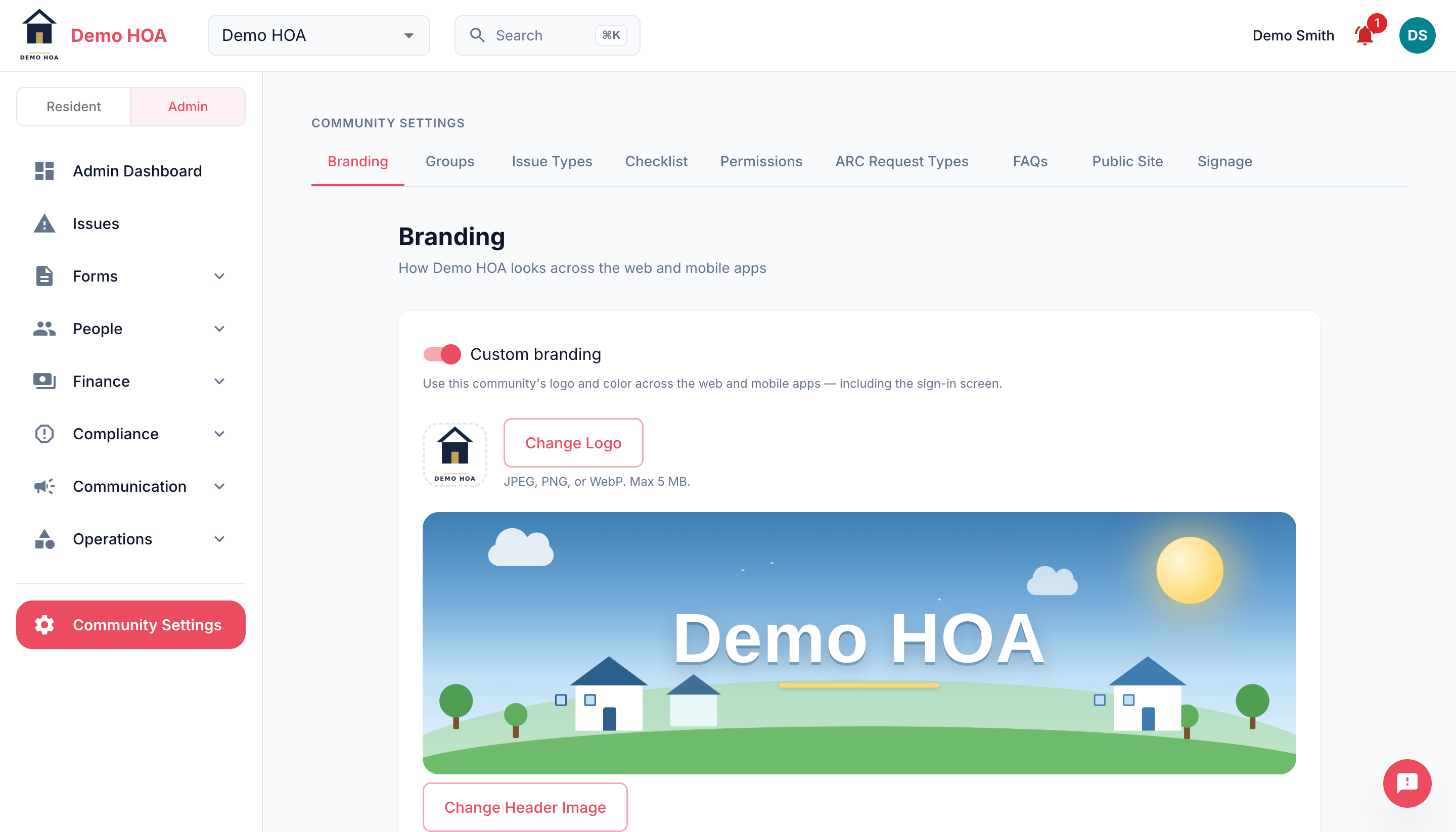 Logo accepts JPEG, PNG or WebP up to 5 MB. The header image is the wide banner residents see on Overview.
The master switch
Branding has an on/off switch of its own. Turning it off gives the community the stock CivicPort look everywhere and keeps the stored logo and colour, so you can switch it back on without re-uploading anything.
Practical notes
- Upload a logo that works on a light and a dark background. It appears on both.
- The header image is wide. A tall photograph will be cropped hard.
- Pick a brand colour with enough contrast against white to be readable as text and as a button.
- A square derivative of your logo is used as the tab icon on the public site.
Related
Branding is the in-app look. The public website uses the same assets but picks its own template and layout.