Manage Spaces
The clubhouse, the courts, the pavilion: anything members reserve. Requires the Bookings entitlement.
Defining a space
Name, description, price and pricing unit. A space is priced either per day or per hour, and it books the way it is priced.
Price in cents. Zero is valid and means the community lends the space rather than renting it: bookings confirm immediately with no payment step. Any non-zero price has to clear the payment processor's minimum charge of 50 cents.
Changing the pricing unit on a space with upcoming bookings is refused. Wait them out or cancel them first.
Two switches, not one
| Switch | Meaning when off |
|---|---|
| Active | The archive. The space disappears from every list and nothing new can be booked or scheduled in it |
| Bookable | Residents cannot reserve it, but admins can still hold it and link it to an event |
Active but not bookable is the events-only space: the front lawn, the lobby. The community schedules it; nobody rents it.
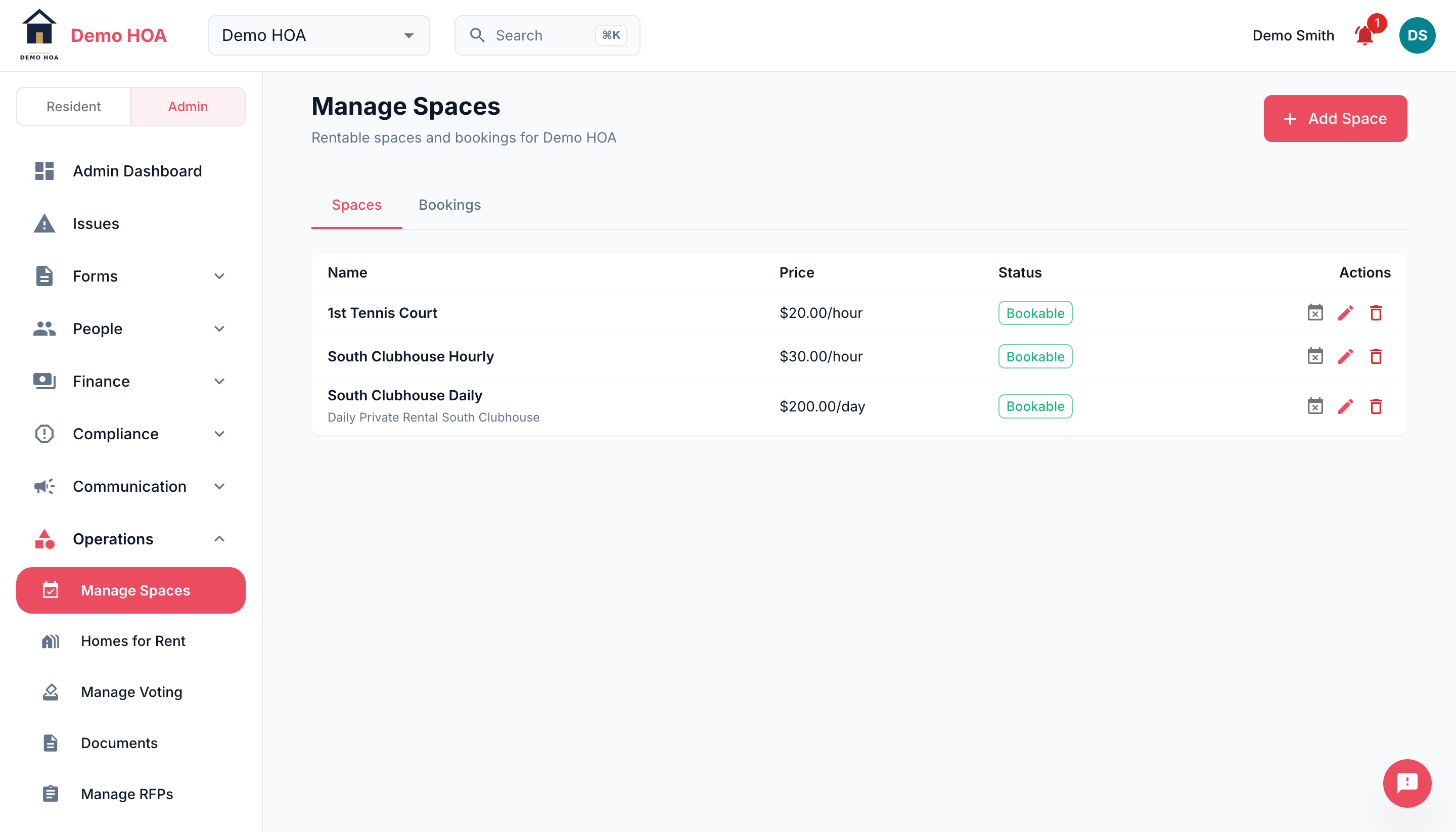 Each space carries its price, its unit, and whether residents may book it.
Turning bookable off leaves existing reservations standing. It only decides who may book from here on.
Blackouts
Close a space for a period with an optional reason: maintenance, a private function, winter. Blackouts occupy the calendar exactly as a booking does, so residents see the space as unavailable rather than finding out later.
Cancelling a booking
You can cancel any booking, with an optional reason the member sees. Cancelling a paid booking refunds it automatically, so do not also refund it by hand in Stripe.
The member is notified.
Income
Space rental income reports under its own category in financial reports, broken out by space, which is how you find out the courts earn and the clubhouse does not.